
Completely Offline
No internet connection needed. Your documents stay on your computer — no cloud, no account, no tracking.






Completely Offline
No internet connection needed. Your documents stay on your computer — no cloud, no account, no tracking.
Real-Time Preview
See your Markdown rendered instantly as you type. Split view, editor-only, or preview-only — your choice.
Multi-Tab Editing
Open and manage multiple files at once with tabs. Drag and drop to reorder, and your session is automatically restored.
Powerful Features
Variables, table conversion, folder explorer, outline panel, KaTeX math, Mermaid diagrams, 5 themes, 14 UI languages, and more — all built in.
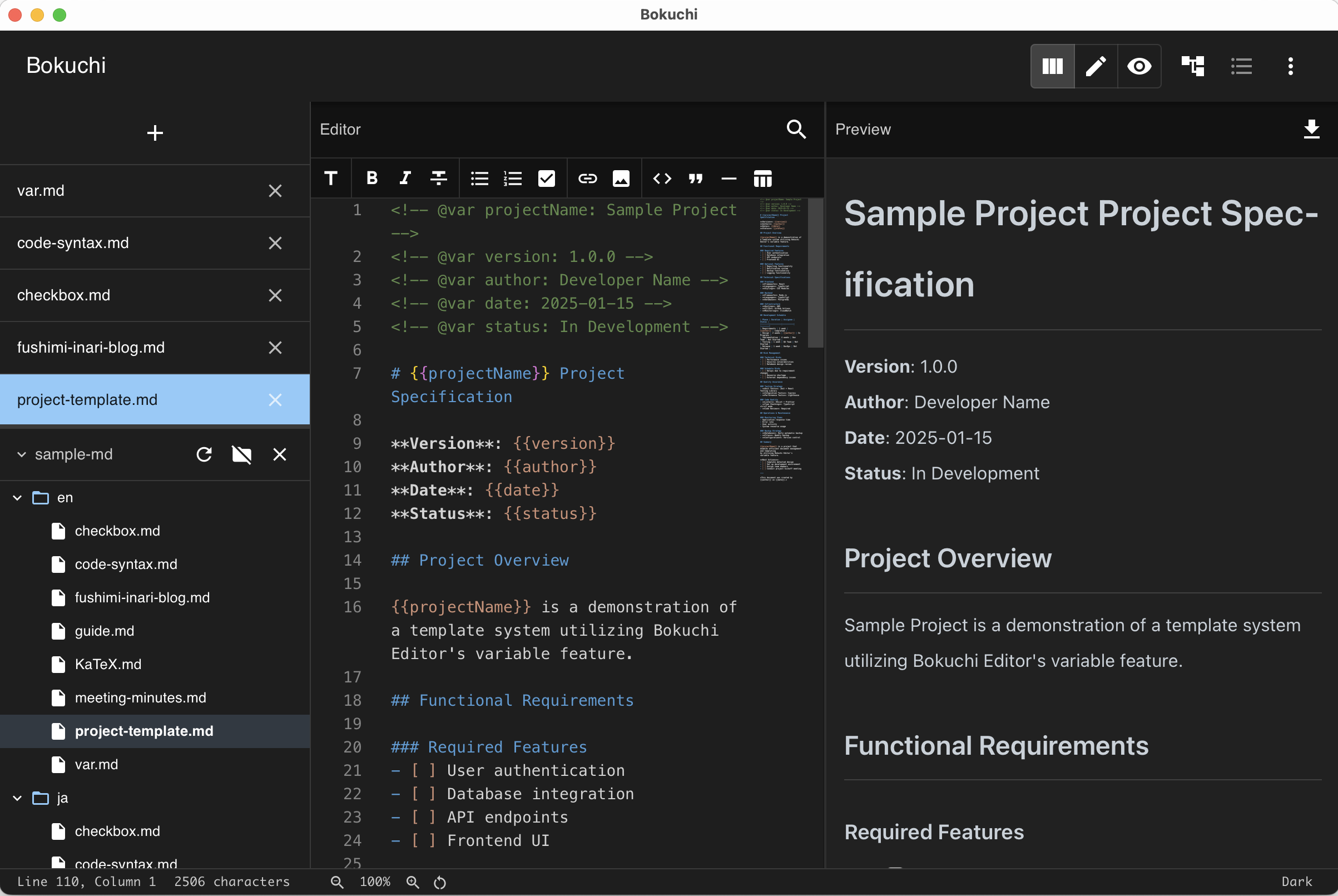
Write Markdown on the left, see the rendered result on the right — in real time. Bokuchi’s clean split-view interface lets you focus on your content.
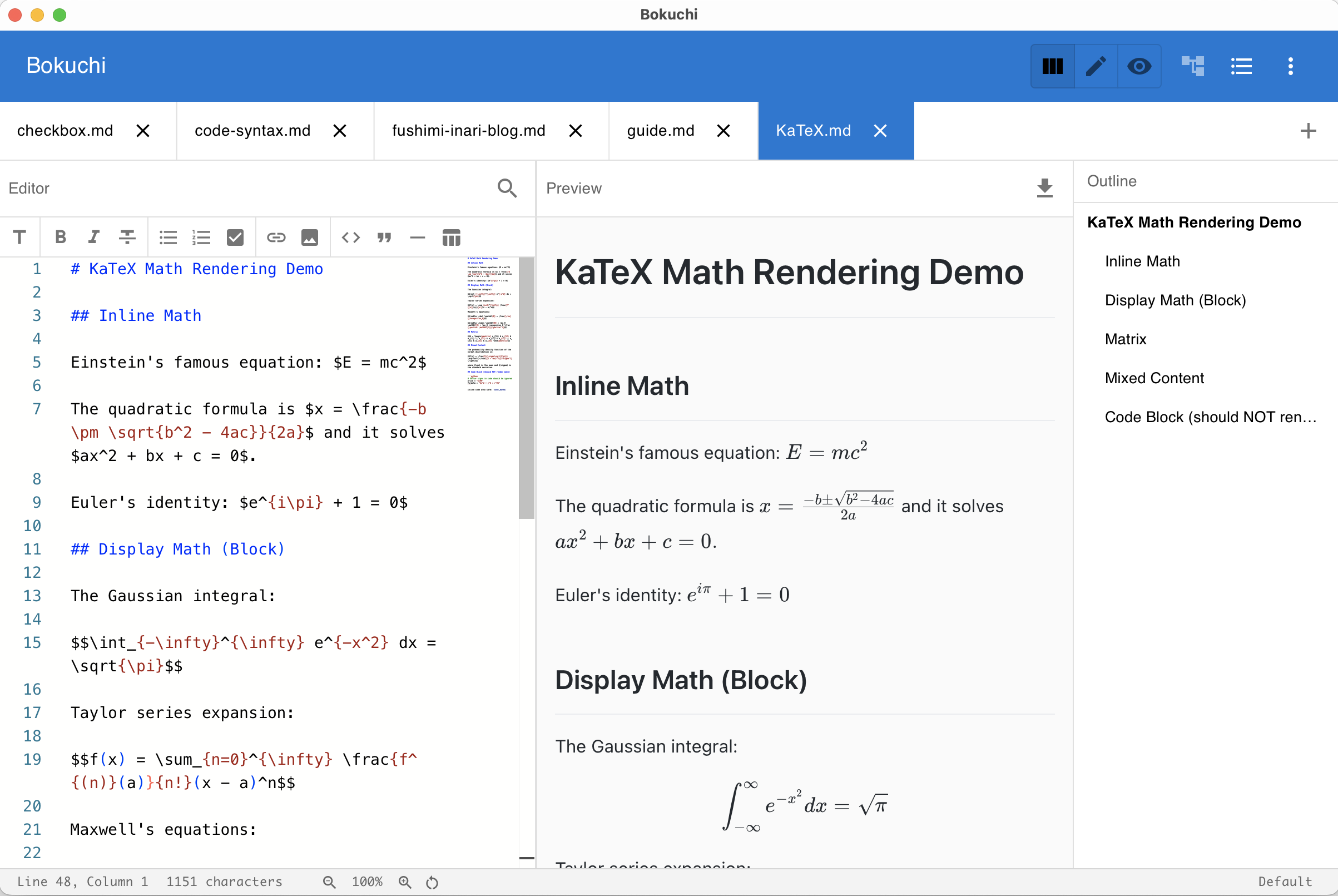
KaTeX Math — Write LaTeX equations and see them rendered in real time.
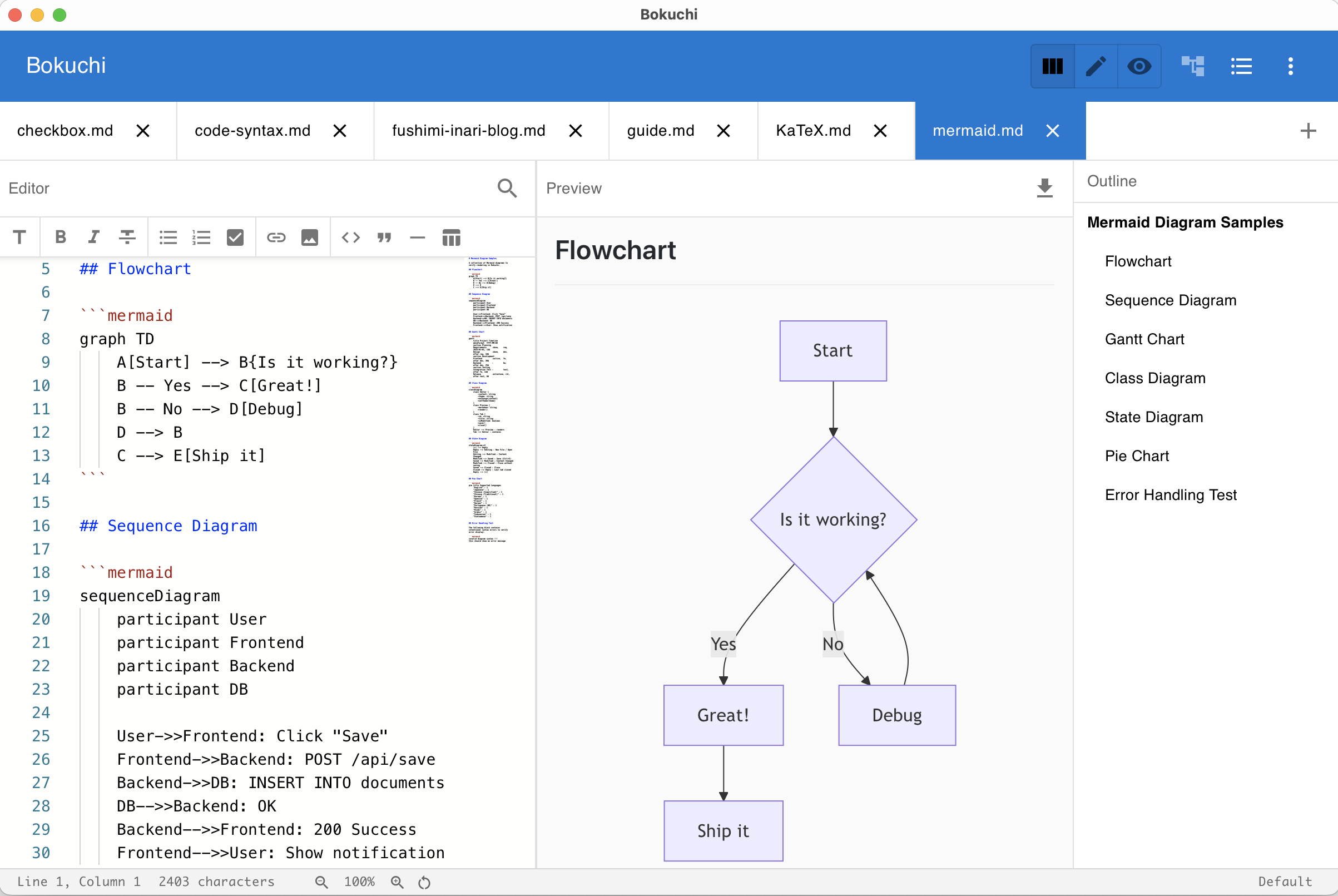
Mermaid Diagrams — Create flowcharts, sequence diagrams, and more.
Bokuchi’s interface is available in 14 languages — no plugins required.
English · 日本語 · 中文 (简体) · 中文 (繁體) · Español · हिन्दी · Русский · 한국어 · Português (Brasil) · العربية · Français · Deutsch · Bahasa Indonesia · Tiếng Việt