
Editor & Preview
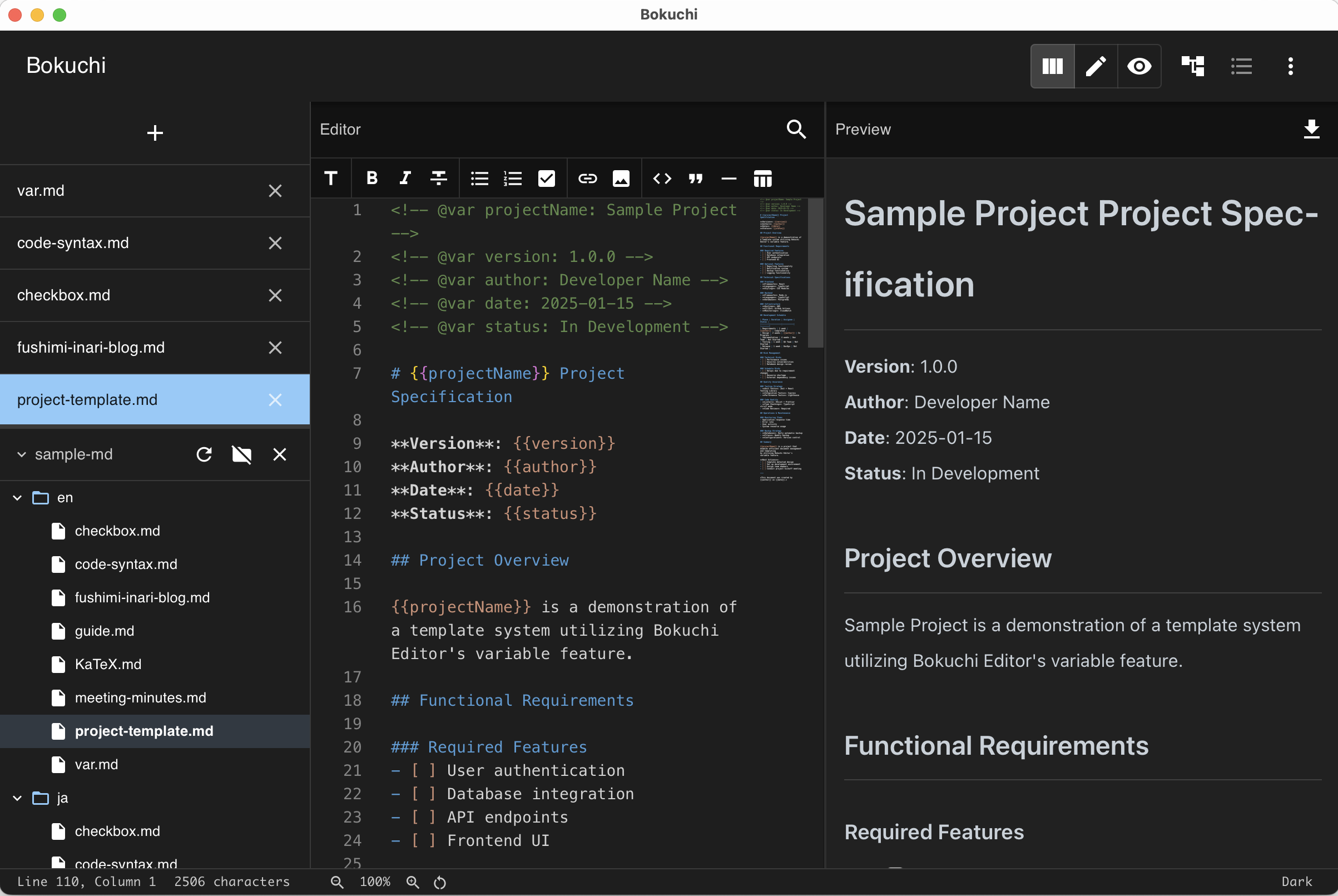
Bokuchi provides a side-by-side editing experience where you write Markdown on the left and see the rendered result on the right.
View Modes
Section titled “View Modes”| Mode | Description | Shortcut |
|---|---|---|
| Split View | Editor + Preview side by side | Ctrl+Shift+1 |
| Editor Only | Full-width editor | Ctrl+Shift+2 |
| Preview Only | Full-width preview | Ctrl+Shift+3 |
Press Ctrl+Shift+V to cycle through the three modes.
Synchronized Scrolling
Section titled “Synchronized Scrolling”In split view, the editor and preview scroll together. When you scroll one panel, the other follows so you always see the corresponding content.
Preview Features
Section titled “Preview Features”Interactive Checkboxes
Section titled “Interactive Checkboxes”Checkboxes in the preview are clickable. When you click a checkbox, the corresponding - [ ] or - [x] in the editor is updated automatically.
Links in the preview are clickable. External links open in your system’s default browser.
Code Blocks
Section titled “Code Blocks”Code blocks in the preview have syntax highlighting for over 190 programming languages. The language is detected from the label after the opening triple backticks.
Math Expressions (KaTeX)
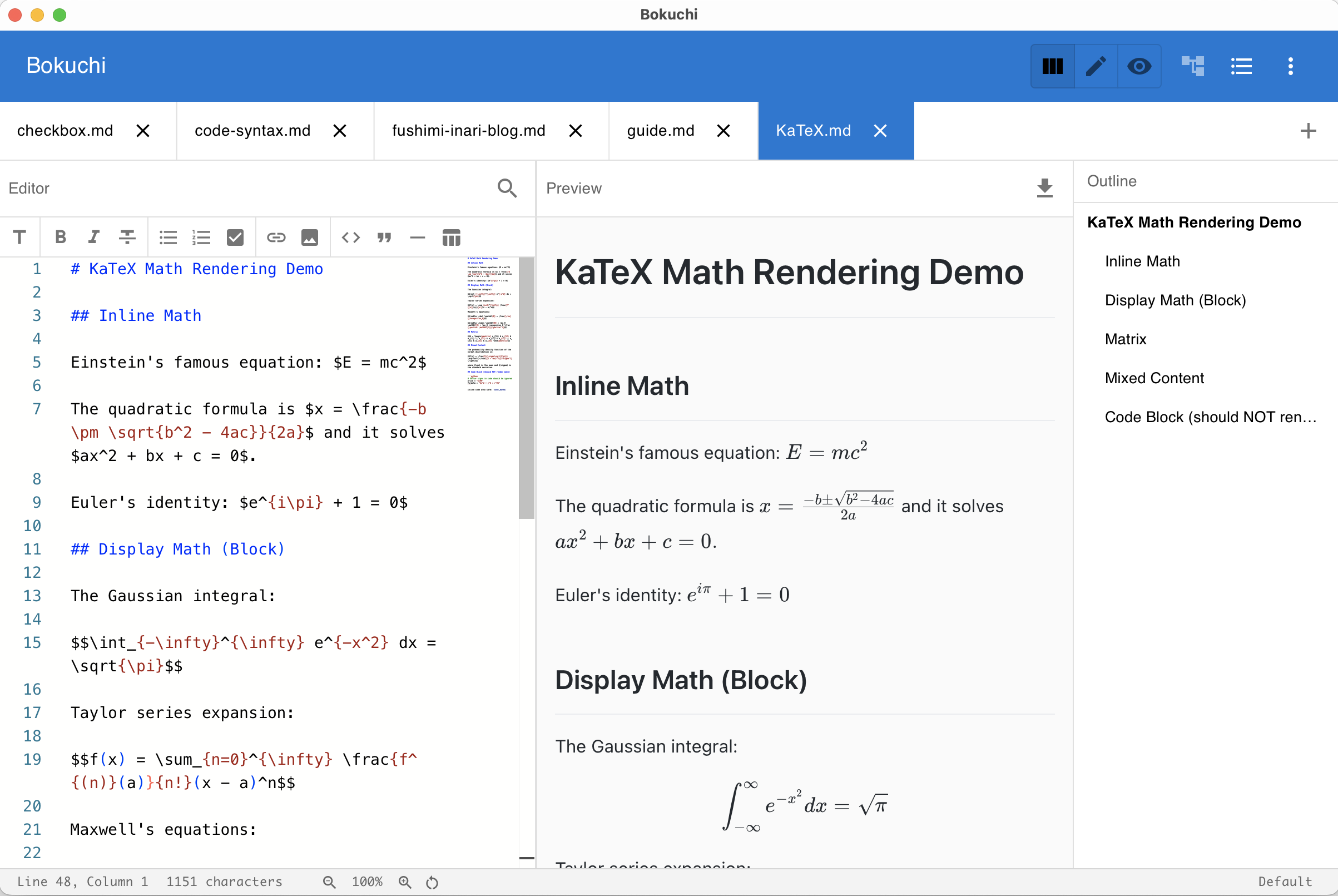
Section titled “Math Expressions (KaTeX)”When enabled in settings, math expressions are rendered in the preview. Use $...$ for inline math and $$...$$ for display math.
Diagrams (Mermaid)
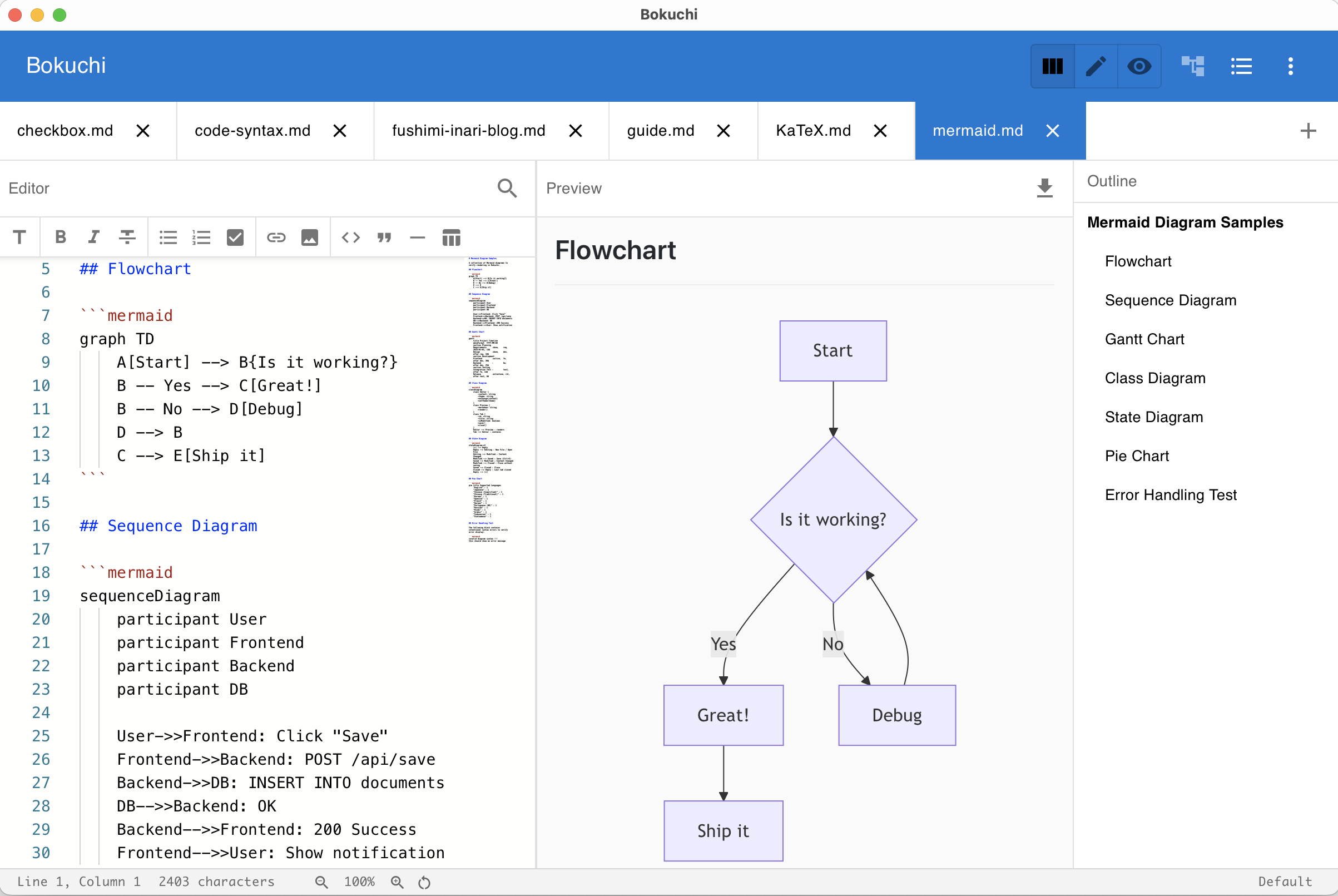
Section titled “Diagrams (Mermaid)”When enabled in settings, ```mermaid fenced code blocks are rendered as diagrams (flowcharts, sequence diagrams, etc.) in the preview. Mermaid rendering adapts to your current theme.
Editor Features
Section titled “Editor Features”The editor is powered by Monaco Editor (the same editor used in VS Code) and supports:
- Syntax highlighting for Markdown
- Line numbers — toggle on/off in settings
- Word wrap — toggle on/off in settings
- Minimap — a small overview of your document, toggle on/off
- Whitespace display — show invisible characters
Next Steps
Section titled “Next Steps”- Markdown toolbar — Format text using buttons
- Search and replace — Find and replace text
- Zoom — Adjust the interface size