
Export
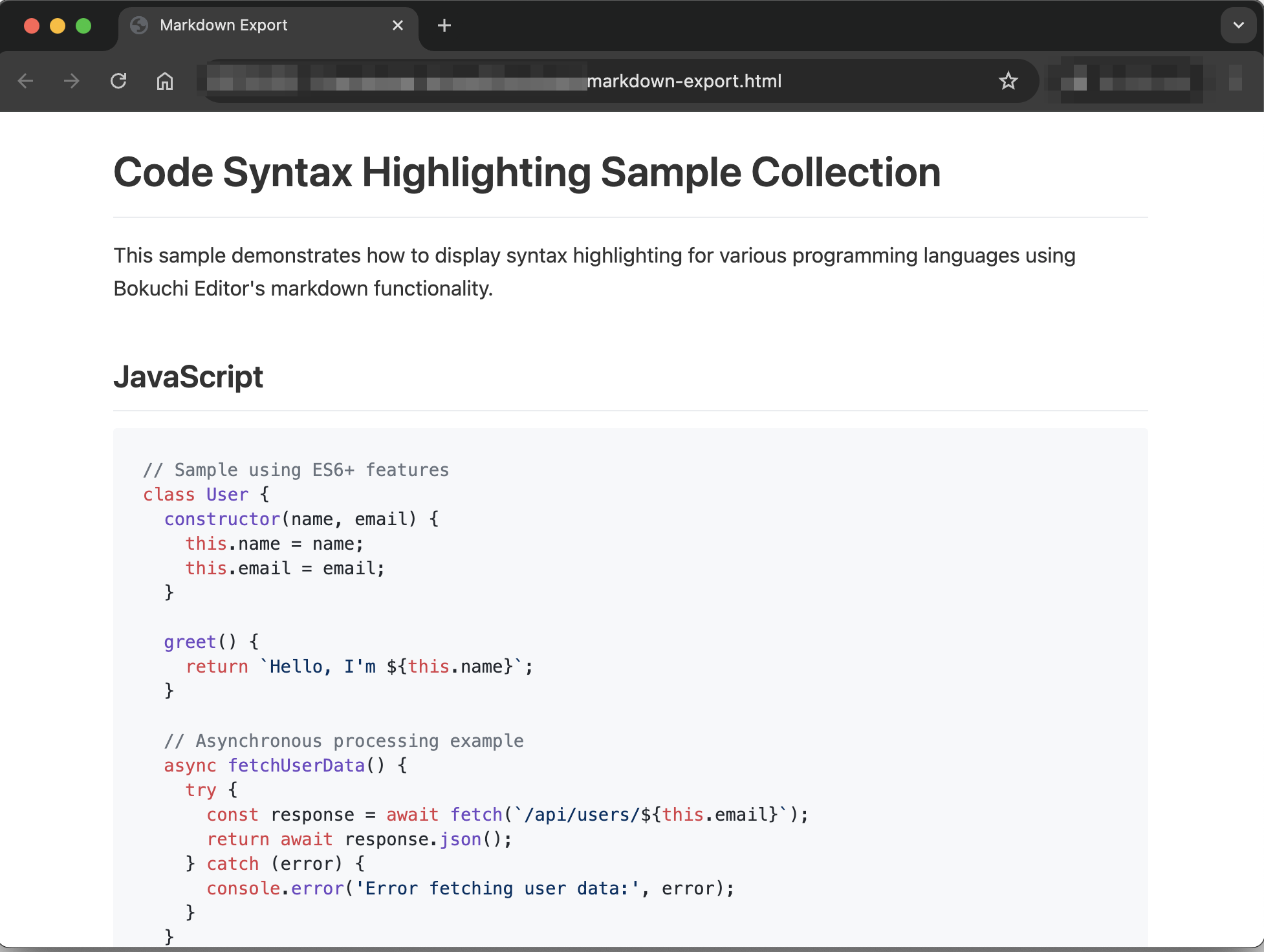
Bokuchi can export your Markdown document as a styled HTML file that you can open in any web browser or share with others.
HTML Export
Section titled “HTML Export”The exported HTML file includes:
- Full styling — The rendered Markdown looks the same as in Bokuchi’s preview
- Syntax highlighting — Code blocks retain their color highlighting
- Embedded images — Local images referenced with relative paths are embedded as data URIs, so the HTML file is self-contained
- Expanded variables — All variables are replaced with their actual values
- Math and diagrams — KaTeX math expressions and Mermaid diagrams are rendered in the exported file
How to Export
Section titled “How to Export”- Open the file you want to export
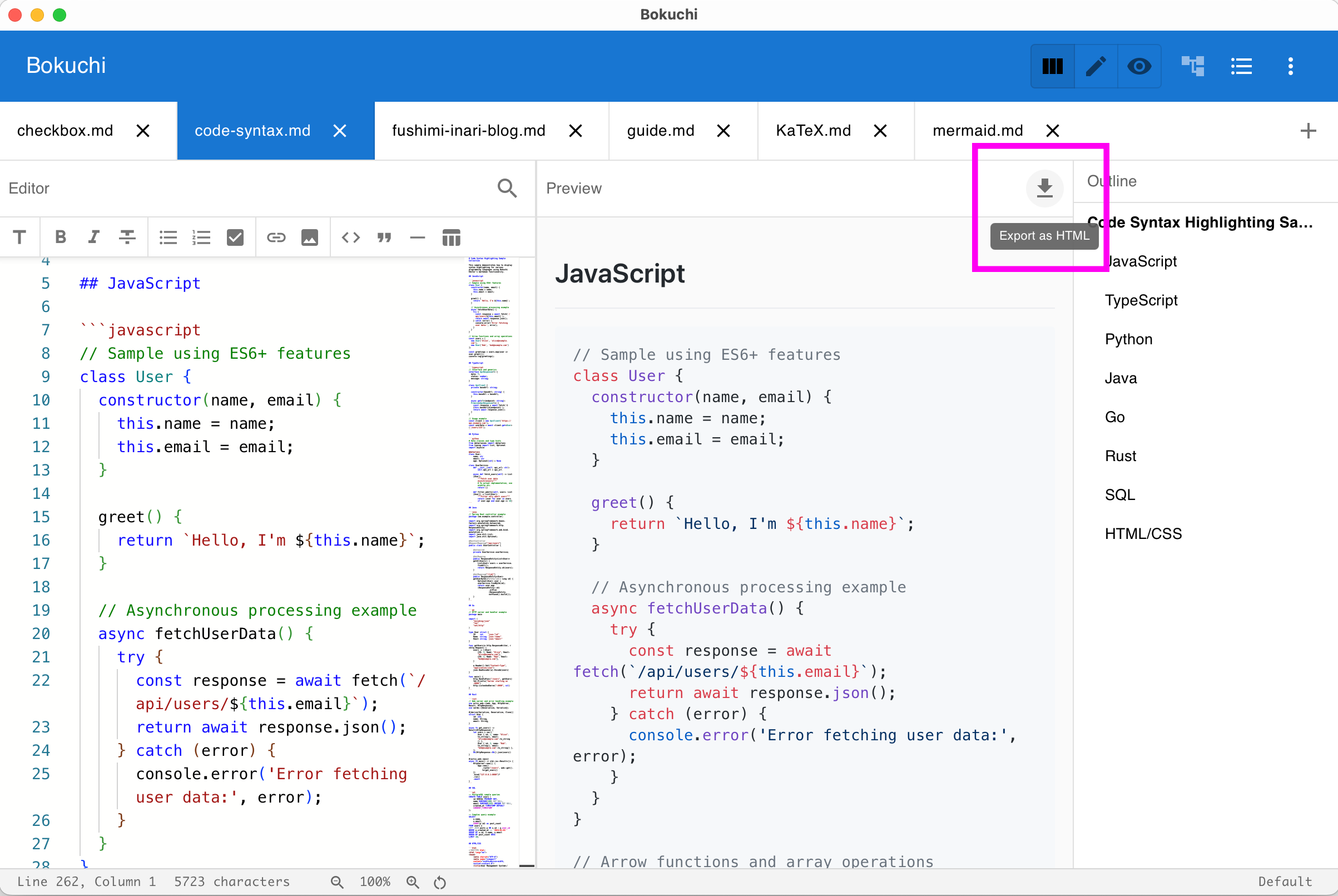
- Click the download button in the top-right corner of the preview panel, or use the export option from the menu
- Choose the save location and file name
- The
.htmlfile is saved
Other Export Options
Section titled “Other Export Options”Settings Export / Import
Section titled “Settings Export / Import”Export your Bokuchi settings as a JSON file, or import settings from a file. Useful for syncing your configuration across machines.
Variable Export / Import
Section titled “Variable Export / Import”Export global variables as a YAML file, or import variables from a YAML file. Useful for sharing variable sets with your team.