
Outline Panel
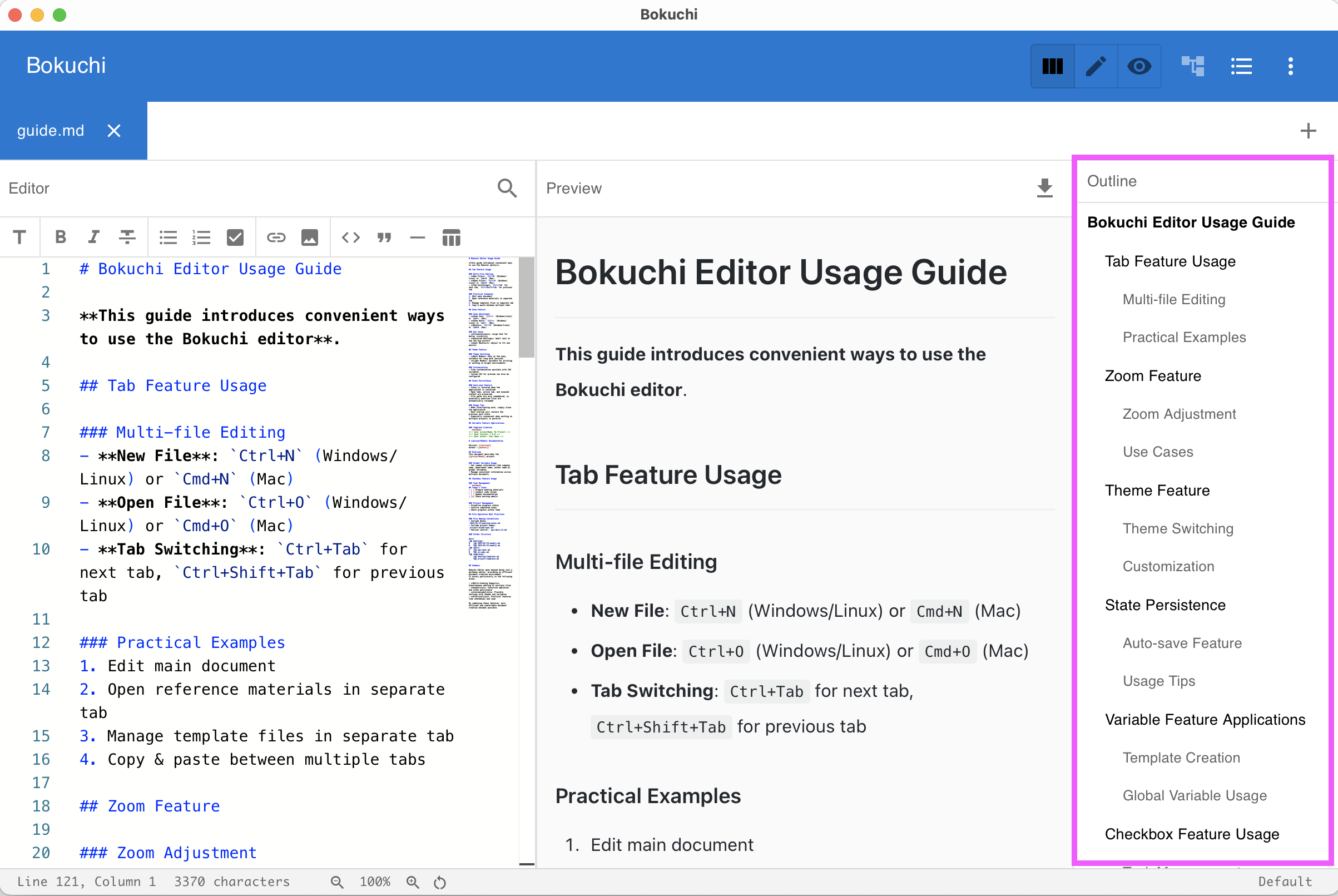
The outline panel shows the heading structure of your current document as a tree. It updates in real time as you type.
Opening the Outline
Section titled “Opening the Outline”Press Ctrl+Shift+O to toggle the outline panel, or use the menu.
Using the Outline
Section titled “Using the Outline”- Headings (H1–H6) appear in a hierarchical tree
- Click any heading to jump to that position in the editor
- The outline updates automatically as you add, remove, or change headings
Display Modes
Section titled “Display Modes”You can configure how the outline panel appears:
| Mode | Description |
|---|---|
| Persistent | Always visible as a side panel |
| Overlay | Appears on top of the content when toggled |
Change the display mode in Settings > Interface > Outline Display Mode.
Next Steps
Section titled “Next Steps”- Folder tree — Browse files from a directory
- UI overview — See where the outline fits in the interface