
Themes
Bokuchi comes with 5 built-in themes to match your preference.
Available Themes
Section titled “Available Themes”| Theme | Description |
|---|---|
| Default | Clean light theme with blue accents (Material Design) |
| Dark | Dark background with light text, easy on the eyes |
| Pastel | Soft, gentle colors with mint green and pink accents |
| Vivid | Bold, vibrant colors with orange and purple accents |
| Darcula | Inspired by JetBrains IDEs, dark charcoal with warm syntax colors |
Default
Section titled “Default”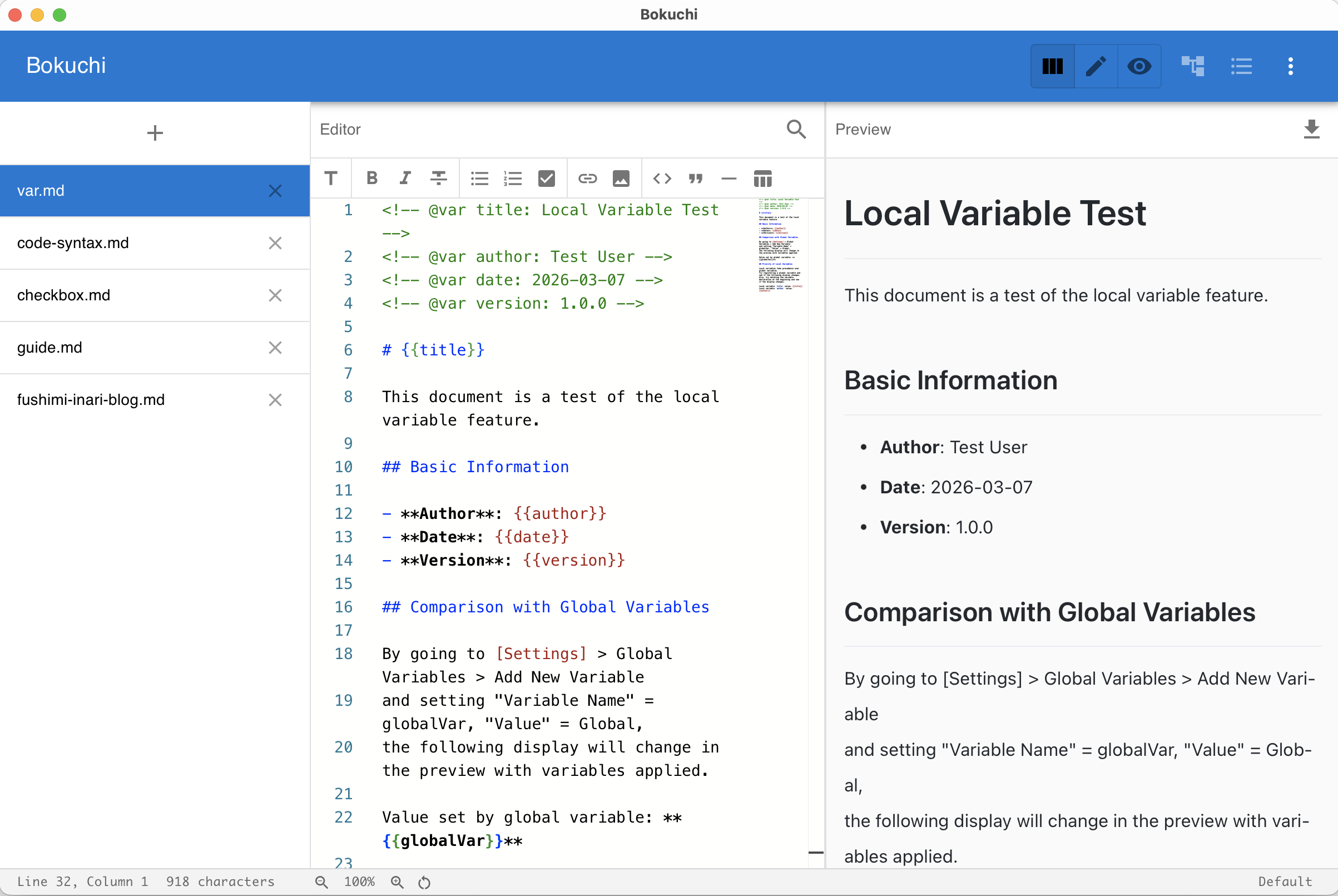
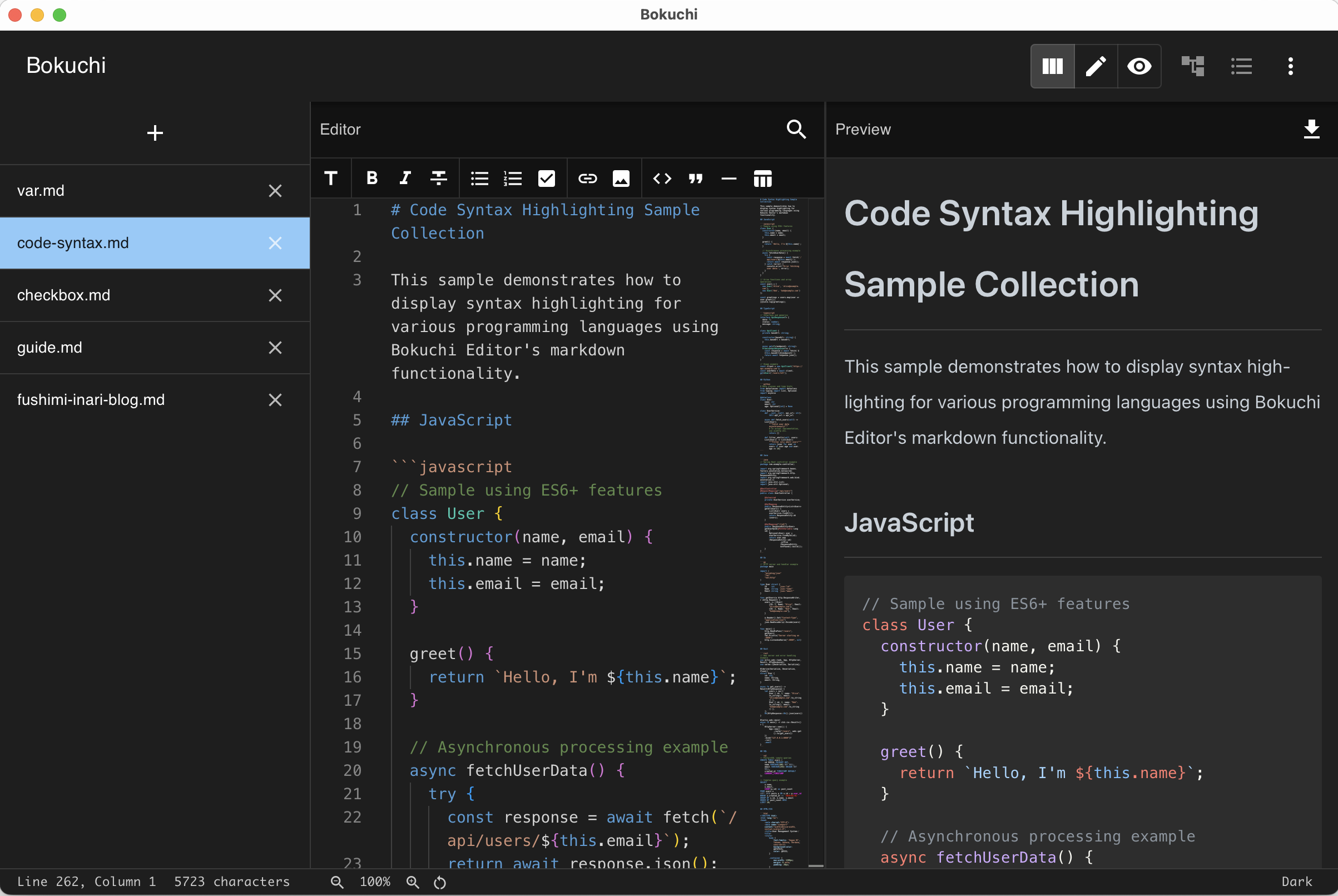
Pastel
Section titled “Pastel”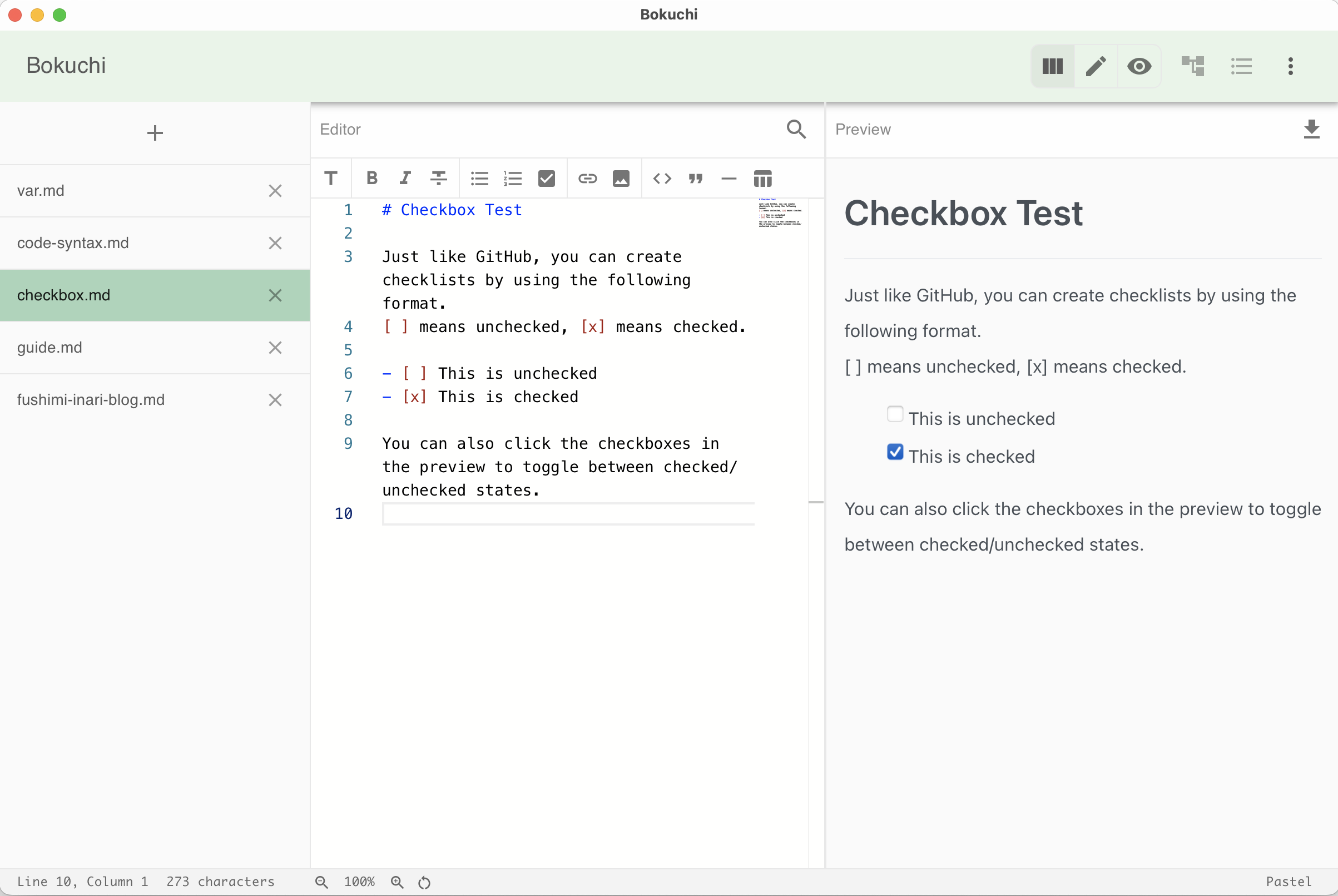
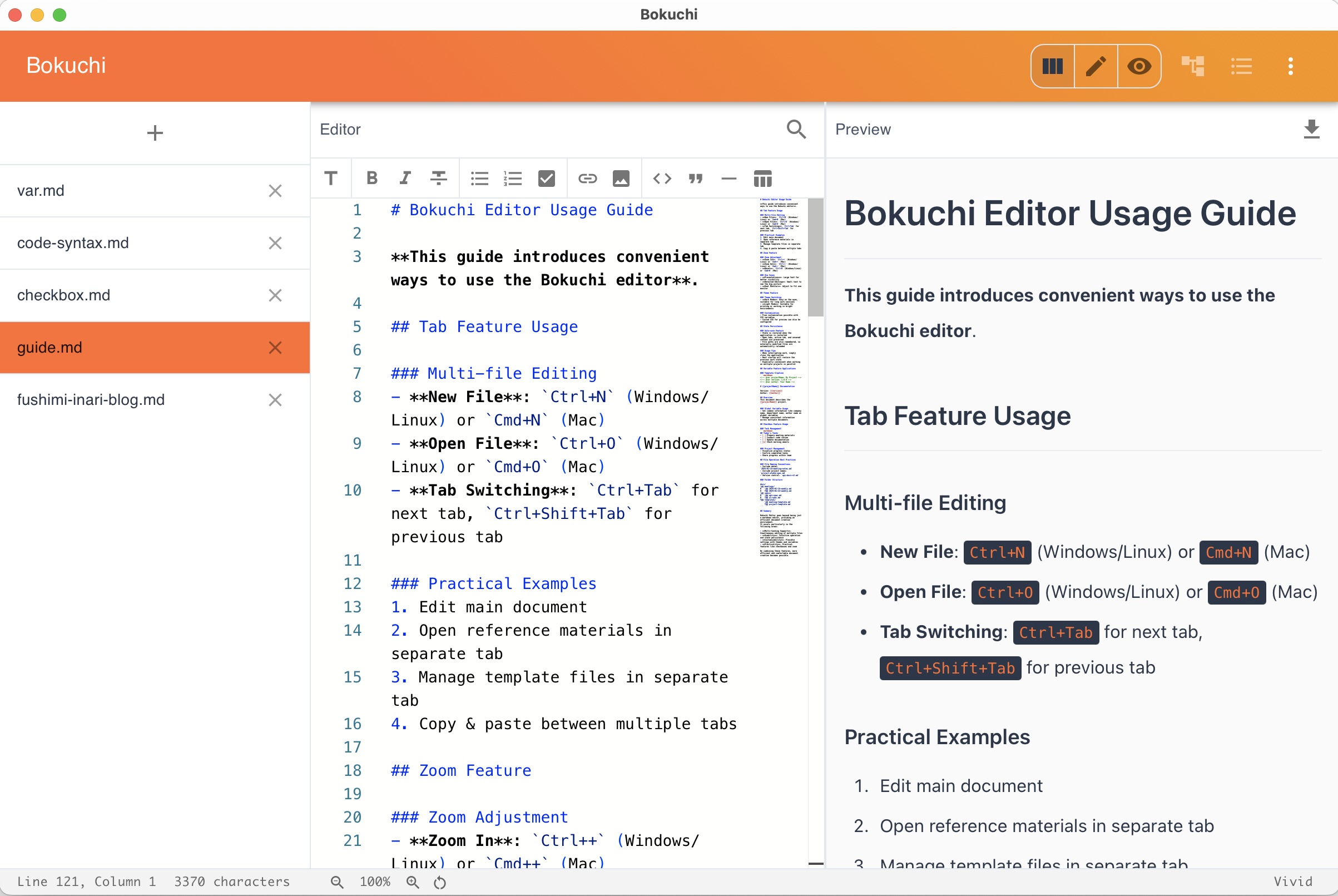
Darcula
Section titled “Darcula”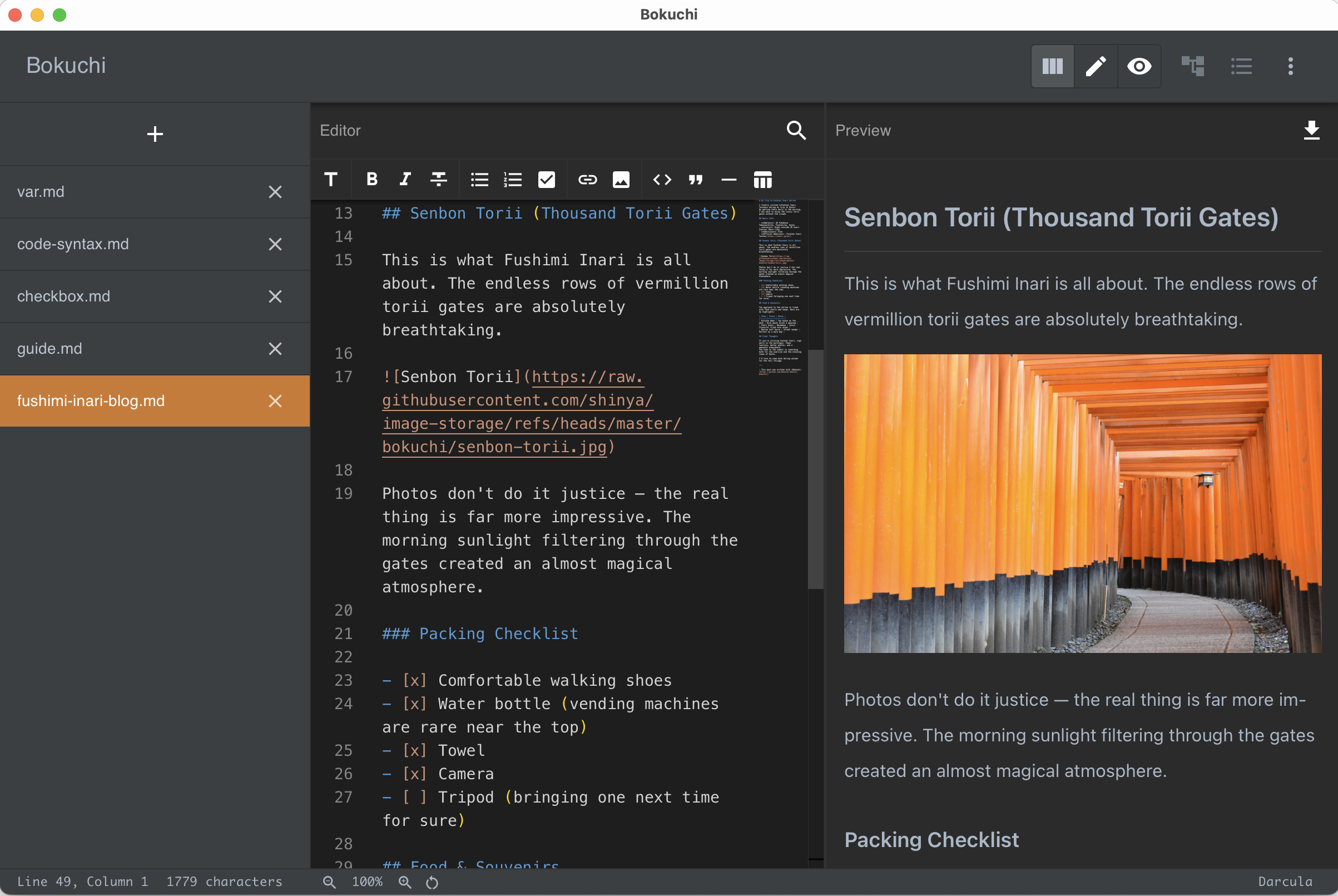
Changing the Theme
Section titled “Changing the Theme”There are two ways to switch themes:
From Settings
Section titled “From Settings”- Open Settings (Cmd+, on macOS / Ctrl+, on Windows/Linux)
- Go to the Appearance section
- Select your preferred theme
From the Status Bar
Section titled “From the Status Bar”Click the theme name displayed in the status bar at the bottom of the window. This provides a quick way to cycle through themes.
Theme Persistence
Section titled “Theme Persistence”Your theme choice is saved automatically and will be restored the next time you open Bokuchi.