
Marp Presentations
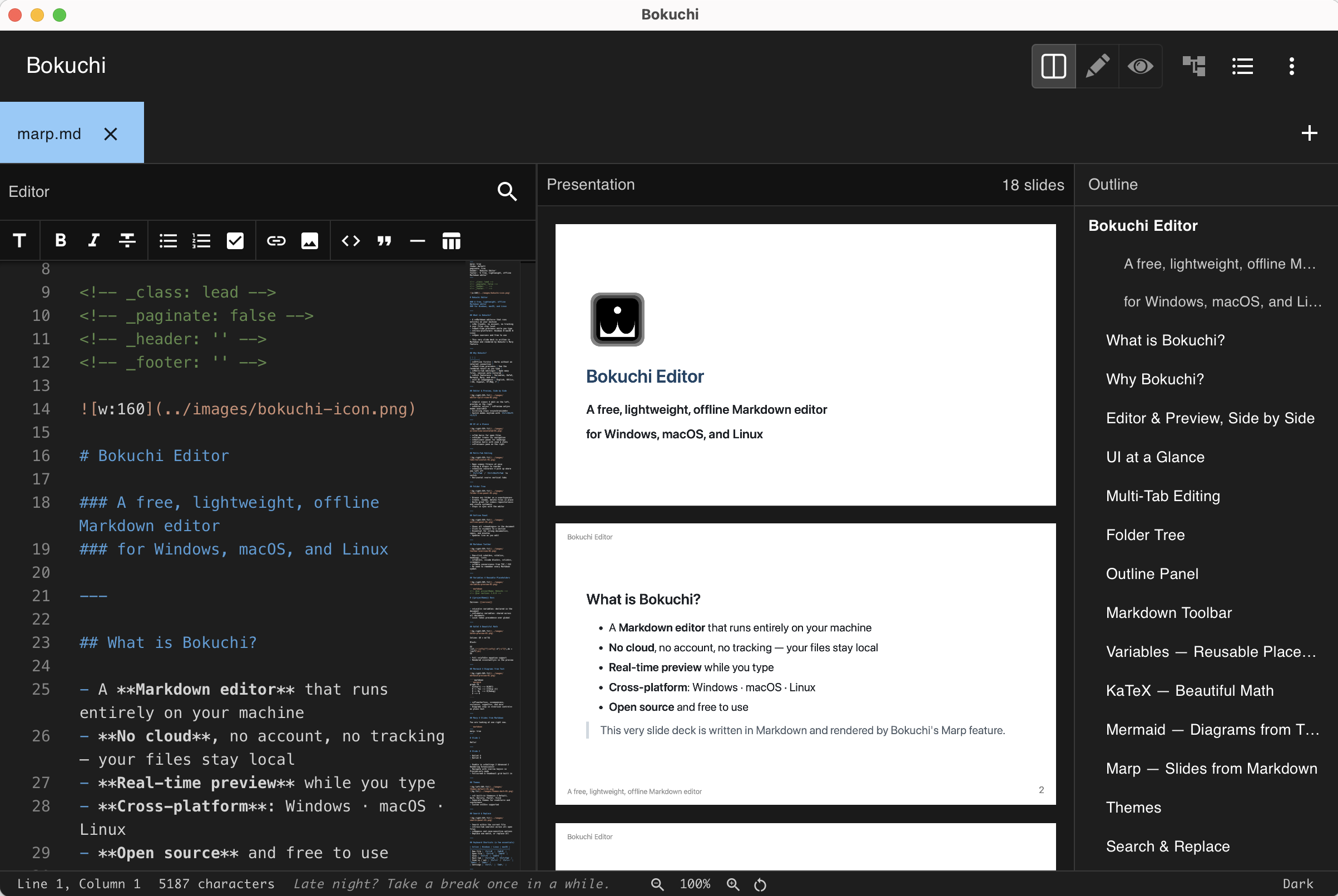
Bokuchi can render Markdown files as slide presentations using Marp. Write your slides in Markdown and preview them as a presentation — no separate presentation software needed.
Enabling Marp
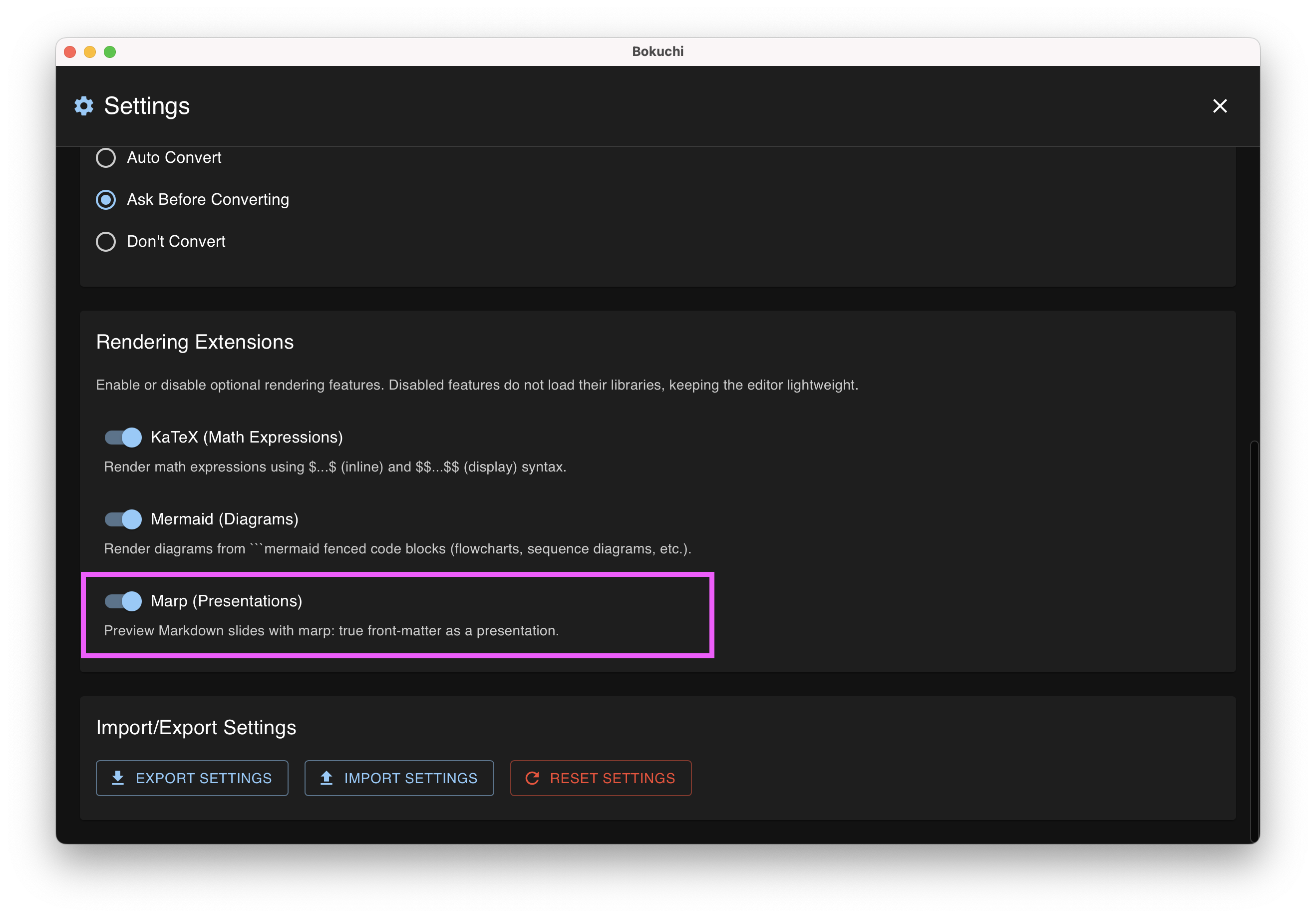
Section titled “Enabling Marp”Marp is disabled by default. To enable it:
- Open Settings with Cmd+, (macOS) or Ctrl+, (Windows/Linux)
- Go to Advanced > Rendering Extensions
- Turn on Marp (Presentations)
Writing a Presentation
Section titled “Writing a Presentation”Add marp: true to the YAML front-matter at the top of your Markdown file. Separate slides with --- (three hyphens on their own line).
---marp: true---
# Slide 1
Welcome to my presentation!
---
# Slide 2
- Point A- Point B- Point C
---
# Slide 3
Thank you!
When Bokuchi detects marp: true in the front-matter, the preview automatically switches to presentation mode.
View Modes
Section titled “View Modes”Marp presentations behave differently depending on the current view mode:
Split View (Ctrl+Shift+1)
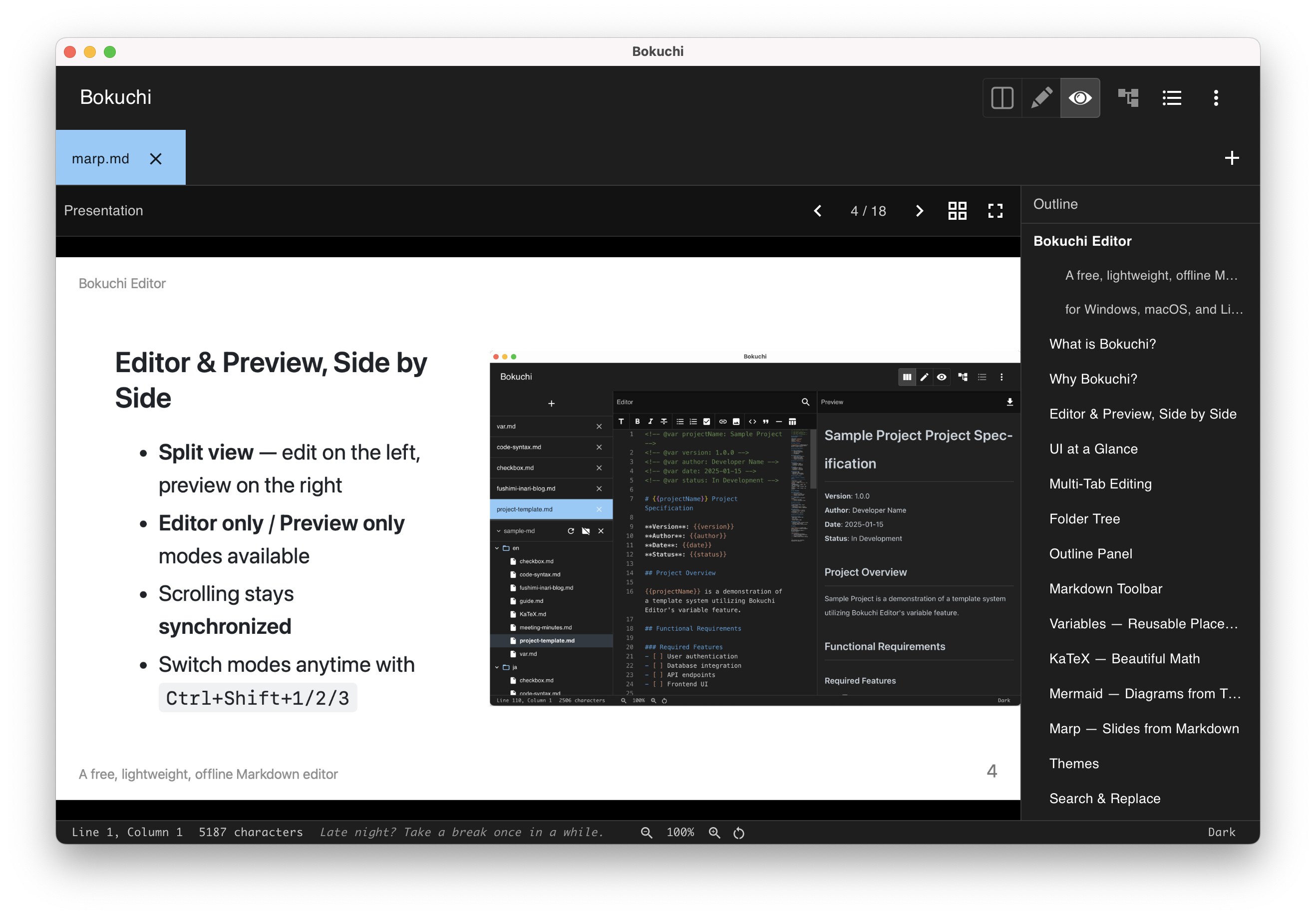
Section titled “Split View (Ctrl+Shift+1)”All slides are displayed vertically in the preview pane. The editor and slides scroll together, so you can see which slide you are editing.
Preview Only (Ctrl+Shift+3)
Section titled “Preview Only (Ctrl+Shift+3)”Slides are displayed one at a time with navigation controls:
| Action | Shortcut |
|---|---|
| Next slide | Right arrow / Down arrow / Space |
| Previous slide | Left arrow / Up arrow |
| Exit fullscreen | Escape |
A slide counter at the top shows your current position (e.g., “Slide 2 of 10”).
Fullscreen
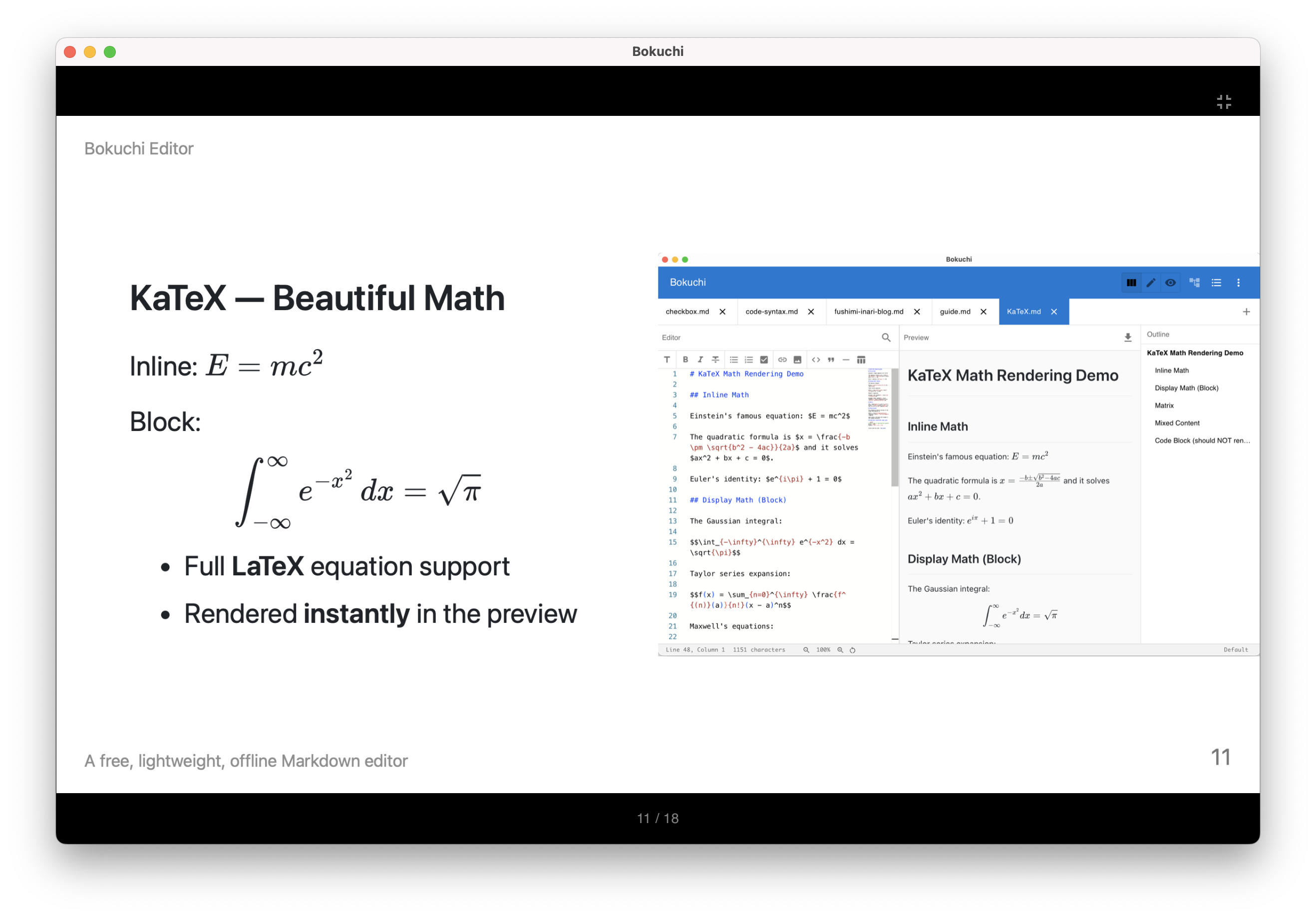
Section titled “Fullscreen”Click the fullscreen button in the preview header to display the current slide in a 16:9 aspect ratio on a dark background. Press Escape to exit fullscreen.
Thumbnail Grid
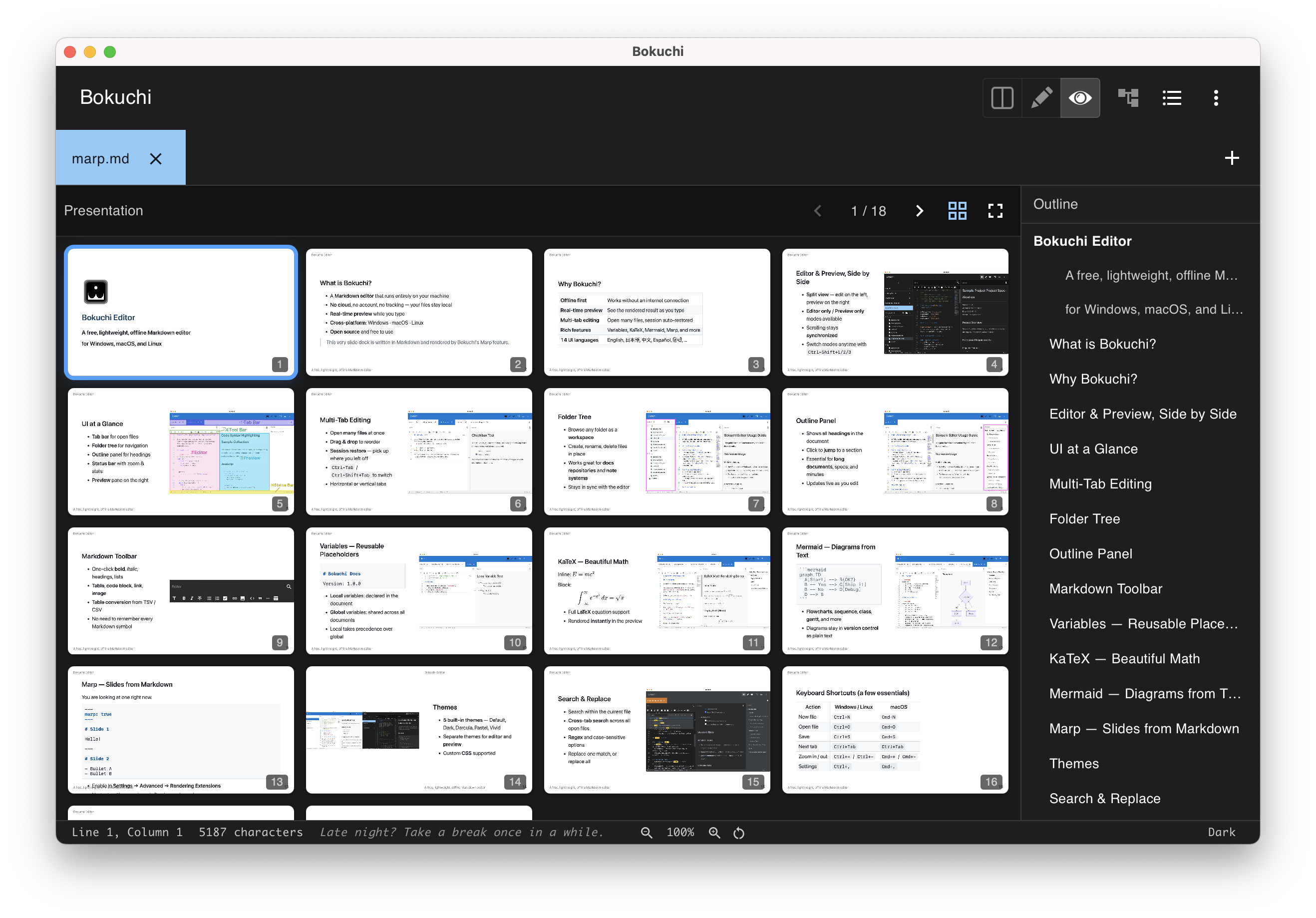
Section titled “Thumbnail Grid”Click the grid button in the preview header to see all slides at a glance. Click any thumbnail to jump to that slide.
Themes
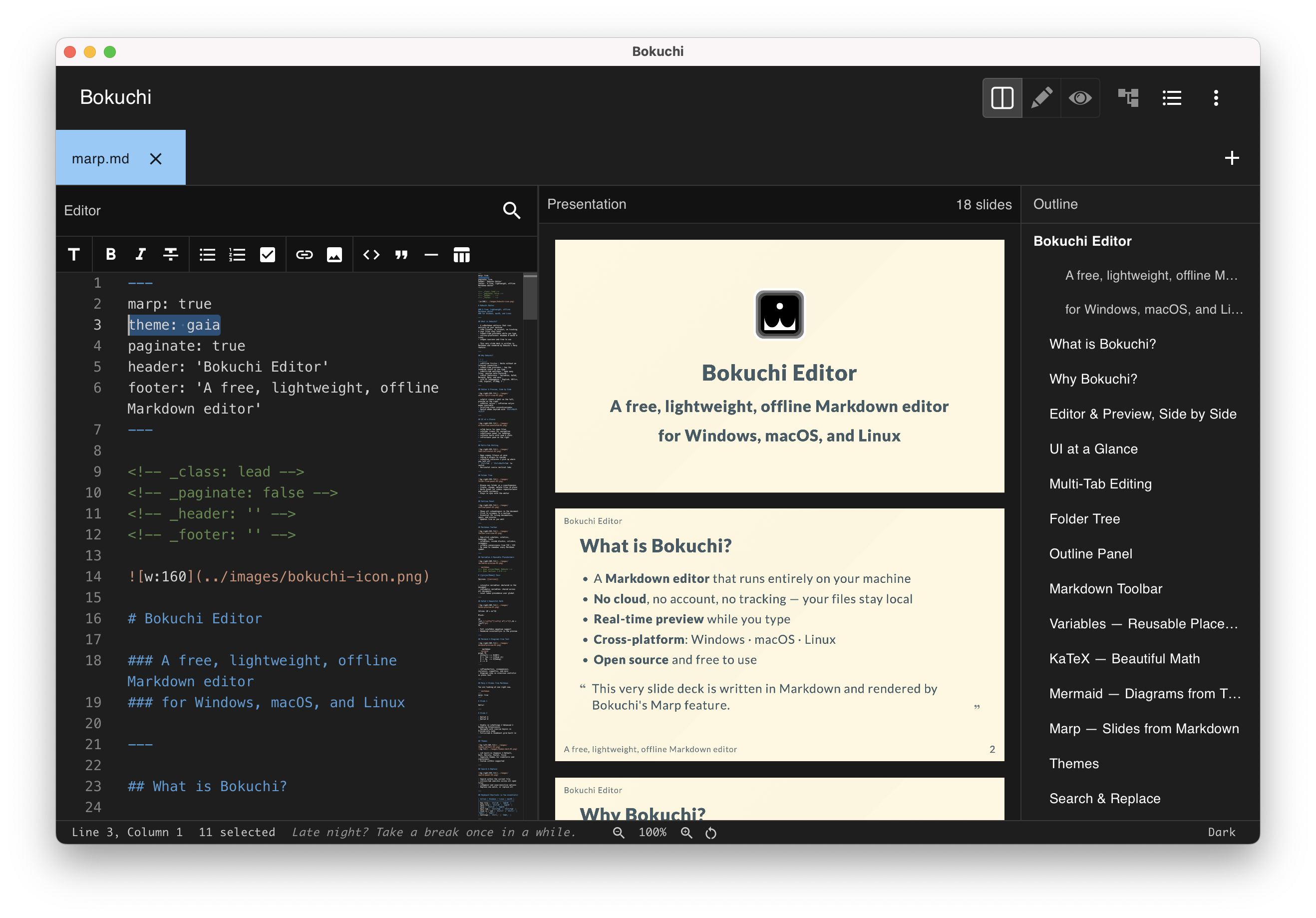
Section titled “Themes”Marp supports built-in themes. Specify a theme in the front-matter:
---marp: truetheme: gaia---Available Marp themes include default, gaia, and uncover.
Custom Themes
Section titled “Custom Themes”Beyond the built-in themes, you can register your own Marp themes from a folder of CSS files.
- Open Settings > Advanced (Marp must be enabled).
- Under Marp Theme Folder, click Choose Folder… and select a folder containing your
.csstheme files. - Bokuchi scans the folder and lists the themes it finds. Use Reload if you add or change files, or Clear to remove the folder.
Each CSS file becomes a selectable theme as long as it starts with an @theme header naming the theme:
/* @theme my-theme */
section {  background: #fdf6e3;  color: #333;}
Then reference that name in your slide’s front-matter, just like a built-in theme:
---marp: truetheme: my-theme---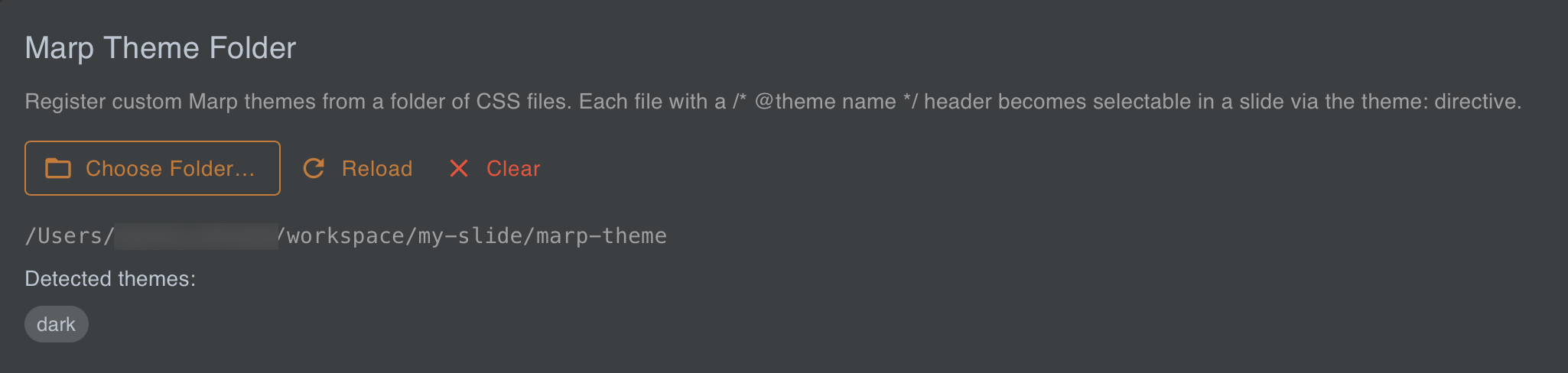
Images
Section titled “Images”Relative image paths in your Markdown work inside Marp presentations. Bokuchi automatically resolves them so that images display correctly in the preview.
---marp: true---
PDF Export
Section titled “PDF Export”You can export your presentation as a PDF — one slide per page, at the slide’s own size — ready to share or present anywhere.
- Open your Marp file
- Click the PDF button in the preview header (it is also available in fullscreen)
- Choose the save location and file name
Images and Mermaid diagrams are included in the exported PDF exactly as they appear in the preview.
Next Steps
Section titled “Next Steps”- Editor & Preview — Learn about view modes and synchronized scrolling
- Export — Export your documents
- Settings — Configure rendering extensions